 UpCleaner
How to Clean Junk Files on iPhone? (Complete Guide)
Learn how to clean junk files on iPhone and free up storage safely without deleting important data.Views
Quick Answer (Featured Snippet)
To clean junk files on iPhone, clear app cache, remove temporary files, delete duplicates, and manage storage regularly. Smart tools can automate this process safely.
Introduction
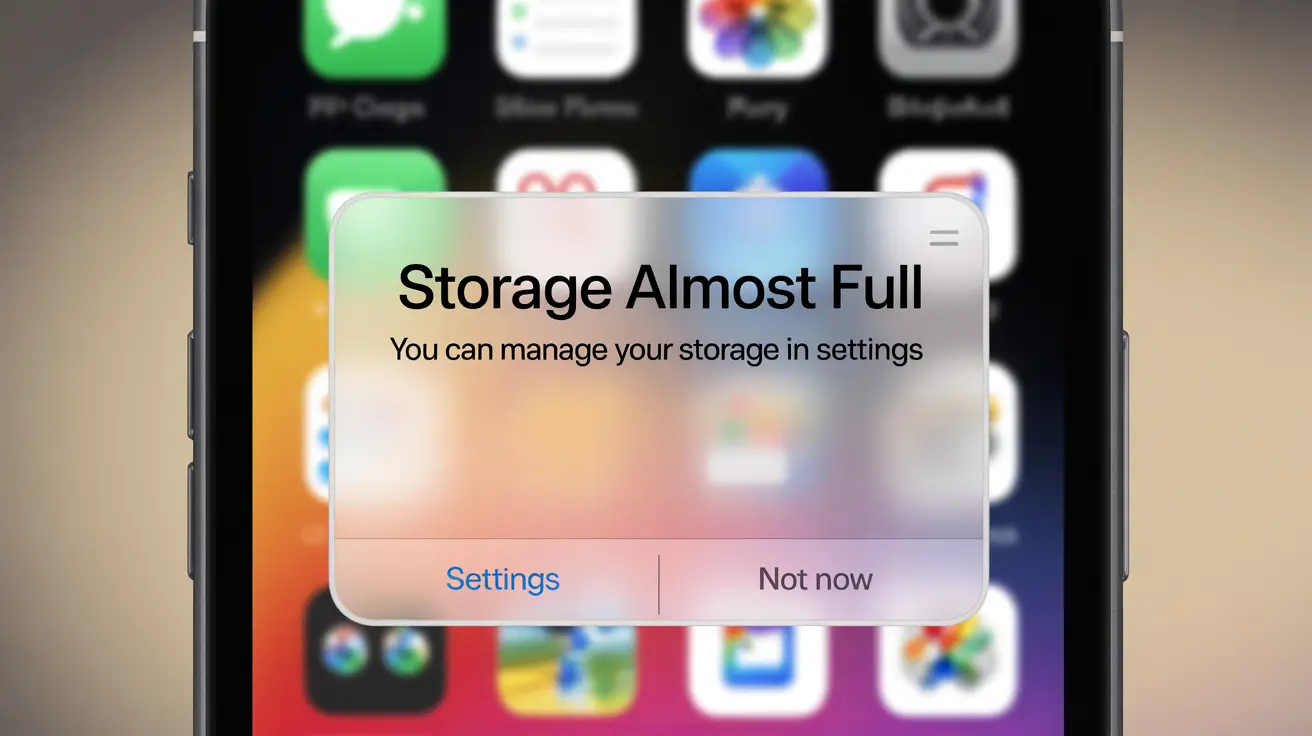
Your iPhone feels slower. Apps take longer to load. And suddenly, you get that familiar message storage almost full.
But when you check your files, nothing seems unusually large.
So where is all that space going?
The answer lies in hidden data. Junk files, cache, and temporary data build up over time and silently consume your storage. If you’re trying to clean junk files on iPhone, this guide will help you understand what’s happening and how to fix it step by step.
What Are Junk Files on iPhone ?
Junk files are unnecessary files that your iPhone creates during everyday use.
These include:
App cache
Temporary files
System logs
Residual data from deleted apps
Unused downloads
These files are not essential, but they take up valuable storage space.
Why Junk Files Build Up on iPhone ?
Junk files accumulate because your iPhone constantly processes data.
Common reasons:
Apps store cache for faster performance
Browsers save history and data
System processes create temporary files
Apps leave residual data after deletion
Over time, this buildup becomes significant.
You may not see junk files directly, but you can notice their effects: Storage fills up quickly Apps lag or crash Phone performance slows down System data increases unexpectedlySigns Your iPhone Has Too Many Junk Files
How to Clean Junk Files on iPhone (Step-by-Step) ?
Here are effective ways to remove junk files safely.
1. Clear Safari Cache
Steps:
Open Settings
Tap Safari
Select “Clear History and Website Data”
This removes browsing data and frees up space.
2. Delete App Cache (Indirect Method)
Since iPhone doesn’t allow direct cache clearing for all apps:
Delete heavy apps
Reinstall them
This clears hidden cache files.
Temporary files are created by apps and system processes. To clear them: Restart your iPhone regularly Update apps to remove outdated data Duplicates take up unnecessary space. Steps: Open Photos Go to Duplicates folder Merge duplicates Check apps that store downloads: Streaming apps File sharing apps Delete files you no longer need. Messages store hidden media. Steps: Open conversations Delete large files Remove old chats Deleted files still use storage. Always clear: Photos Recently Deleted Files app trash3. Remove Temporary Files
4. Clean Up Duplicate Photos and Videos
5. Manage Downloads and Offline Files
6. Clear Message Attachments
7. Empty Recently Deleted Folder
.webp[object Object])
Why Manual Junk Cleaning Is Difficult ?
Even after following all steps, junk files can return.
Challenges include:
Hidden data is hard to locate
Cache builds up again
Time-consuming process
No central cleanup option
This makes manual cleaning inefficient over time.
A Smarter Way to Clean Junk Files on iPhone
Instead of manually checking every file, a smarter solution can simplify the process.
Tools like UpCleaner can automatically detect junk files, cache, and duplicates helping you clean your iPhone storage safely and efficiently.
How UpCleaner Helps Remove Junk Files ?
UpCleaner is designed to make storage cleanup simple and safe.
Key benefits:
Detects hidden junk files
Clears cache and temporary data
Finds duplicate and similar photos
Optimizes storage automatically
Instead of manually going through thousands of files, tools like UpCleaner can automatically detect duplicates and help you clean your storage safely.
To keep your iPhone clean: Clear cache regularly Avoid unnecessary downloads Manage apps efficiently Restart device periodically Review storage monthly Regular maintenance keeps your device optimized.Manual vs Smart Junk File Cleaning
Best Practices to Prevent Junk File Buildup
Conclusion
Junk files are one of the biggest hidden reasons your iPhone storage fills up and performance slows down.
While manual methods can help, they require time and constant effort.
A smarter approach allows you to clean your device efficiently, free up storage, and maintain performance without stress.
If you want a faster and safer way to clean junk files on your iPhone, UpCleaner can help you remove unnecessary data, optimize storage, and improve performance in just a few taps.
FAQs
Q - What are junk files on iPhone?
A - Junk files include cache, temporary files, logs, and unnecessary data created by apps and system processes.
Q - How do I clean junk files on iPhone?
A - You can clear cache, delete temporary files, remove duplicates, and manage storage settings.
Q - Why does junk data keep coming back?
A - Because apps continuously create cache and temporary files during use.
Q - Is it safe to delete junk files on iPhone?
A - Yes, removing junk files is safe and helps improve performance.
Q - What is the fastest way to clean junk files?
A - Using a smart cleaning tool can automate the process and save time.